In this article
AI Shortcuts for Onboarding Users Onto New Products: What Actually Works
AI & Automation
Every product team knows the moment a user is most likely to leave: the first ten minutes after signup. A slow, confusing, or generic onboarding flow burns the goodwill that got someone to sign up in the first place, and by the time support notices the drop-off, the user is already gone. That’s the problem […]
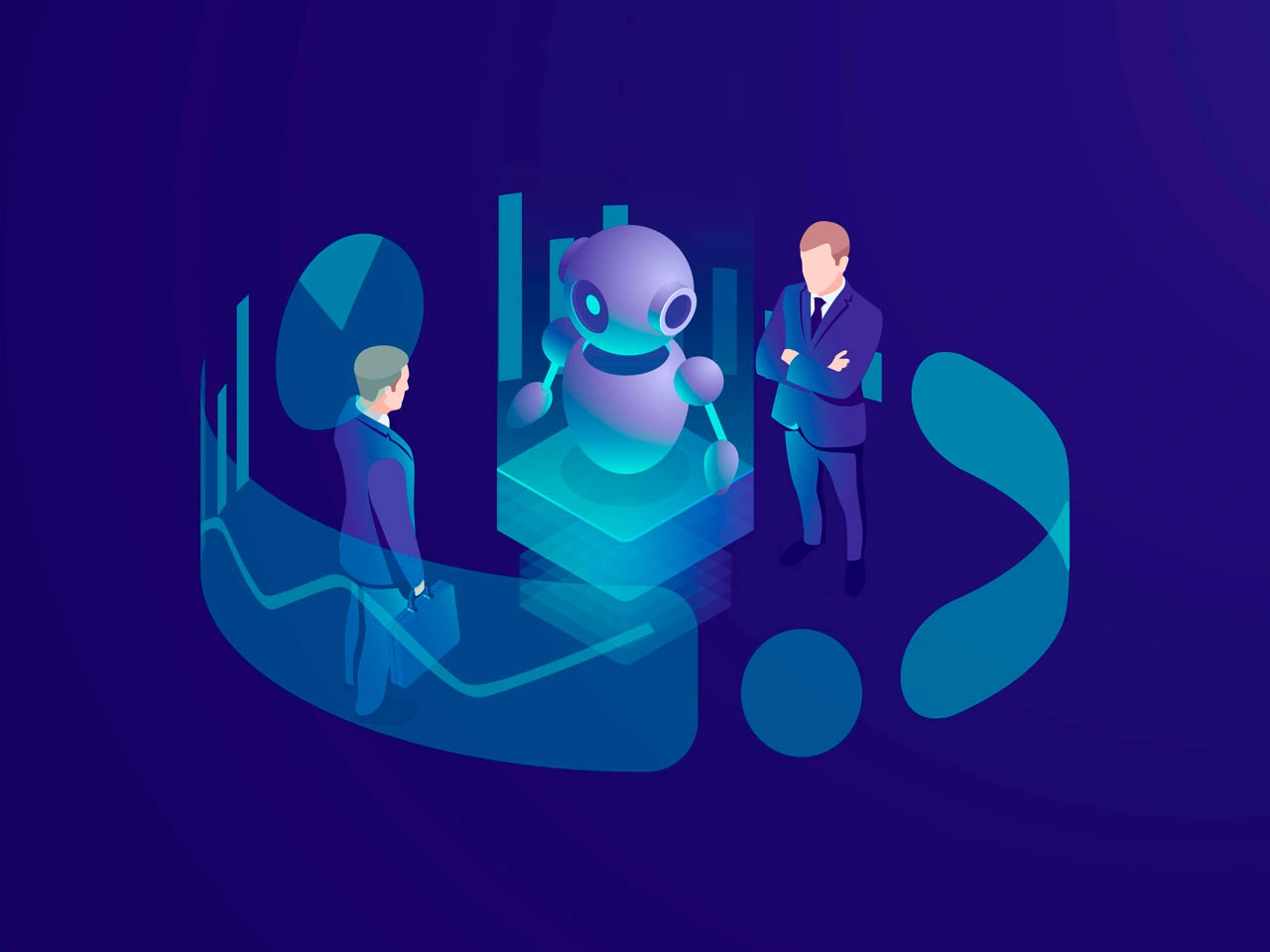
Every product team knows the moment a user is most likely to leave: the first ten minutes after signup. A slow, confusing, or generic onboarding flow burns the goodwill that got someone to sign up in the first place, and by the time support notices the drop-off, the user is already gone. That’s the problem “AI shortcuts” for onboarding are built to solve — not by adding more pop-ups and tooltips, but by getting each user to their first moment of value faster, with less friction, and with guidance that’s actually relevant to them.
Here’s what that looks like in practice, and how teams are building it in 2026.
Signs your onboarding already needs a shortcut
Before adding any AI to the flow, it’s worth checking whether the symptoms are actually there:
- A large share of signups never complete the first setup step, or drop off at one specific screen.
- Support tickets cluster around the same “how do I get started” questions, week after week.
- Activation rate stays flat even as signup volume grows — more people arrive, but no more of them succeed.
- Day 1 usage looks fine, but Day 7 retention falls off a cliff.
- The same onboarding flow is shown to every user regardless of role, plan, or stated goal.
If two or more of these apply, the fix usually isn’t “more onboarding content” — it’s a smarter, more adaptive path.
From scripted tours to adaptive systems
Traditional onboarding is a fixed script: the same five-step tour, the same checklist, the same emails, regardless of who’s on the other end. It’s easy to build and easy to ship, but it treats a solo freelancer and an enterprise admin the same way — which means it’s wrong for at least one of them.
AI-driven onboarding flips that model. Instead of a single path, the product adapts the path to the user. Three shifts are driving this:
Role-based personalization. Onboarding content is tailored to what a specific user is actually trying to do, rather than a generic “welcome to the product” sequence. A marketer and a developer signing up for the same tool see different first steps, different sample data, and different terminology.
Predictive analytics. Instead of waiting for a user to file a support ticket or churn, the system flags at-risk users early — someone who stalled halfway through setup, or who hasn’t returned after day one — and intervenes before it’s too late.
Scalable, low-touch systems. AI lets a product handle thousands of onboarding journeys in parallel, each one adapted, without needing a proportionally larger customer success team.
None of this requires a moonshot AI project. Most of it comes down to a handful of concrete tactics that any product team can implement.

The tactics that actually move the needle
1. Cut signup friction to the bone. The fastest onboarding shortcut is simply asking for less up front. Tools that lead with a single email field (or SSO) and defer everything else consistently see higher completion than forms that ask for company size, role, and use case before a user has even seen the product.
2. Use a one- or two-question microsurvey — not a form. Rather than a static welcome flow, ask what the user is trying to accomplish and use that answer to branch the entire onboarding path. This is the input that makes “personalization” real instead of cosmetic.
3. Replace linear tours with interactive, gated walkthroughs. A tour where users click “Next” five times teaches nothing. A walkthrough that requires the user to actually perform the action — create the first project, invite a teammate, connect the first data source — builds real muscle memory. Products that made this switch have reported activation increases in the range of 10% simply by requiring action instead of narration.
4. Build adaptive checklists, not static ones. A progress bar with 2–3 items pre-checked (because the system already knows the user did them) feels like momentum, not homework. Segmenting the checklist by role or use case, so each user only sees relevant tasks, keeps it short and completable. Teams that moved from one-size-fits-all checklists to segmented, adaptive ones have seen conversion lifts as high as 3x on the final step.
5. Trigger help behaviorally, not on a timer. The biggest failure mode in AI onboarding is turning “smart” into “noisy” — firing a tooltip every 30 seconds regardless of what the user is doing. The better pattern: watch for signals of struggle (repeated clicks with no progress, an idle cursor on a key screen, an abandoned form) and offer help only when it’s actually needed. As one product team put it, good onboarding should feel less like a theme park ride and more like a competent person noticing where you’re stuck.
6. Give users an AI copilot instead of a ticket queue. Real-time chat-based assistance — inside the product, over email, or in a messaging channel the user already has open — answers the “how do I…” question at the exact moment it comes up, instead of after a support-ticket delay. This is the most literal version of an “AI shortcut”: it collapses the distance between confusion and resolution to seconds.
7. Keep a self-serve layer underneath all of it. Not every user wants guided hand-holding. A searchable help center or in-app resource library, surfaced contextually rather than buried in a separate tab, catches the users who’d rather solve it themselves — and reduces the ticket volume hitting your support team.
What to avoid
The failure pattern shows up consistently: teams add AI to onboarding and use it to multiply interruptions rather than reduce them. More tooltips, more nudge emails, more “did you know” banners — all personalized, all still annoying. The goal of an AI shortcut is fewer, better-timed touches, not more automated ones.
The second failure pattern is treating onboarding data casually. The moment onboarding starts using behavioral data to predict churn or personalize paths, it’s also handling sensitive usage data — which means privacy, compliance, and transparency about what’s being tracked aren’t optional add-ons. They’re part of the system.
How to know if it’s working
Vanity metrics like daily active users or session length don’t tell you whether onboarding is doing its job. The metrics that matter are more specific:
- Activation rate — the percentage of new users who reach a defined “aha” moment, not just who signed up.
- Time-to-value (TTV) — how long it takes a new user to get real value, not just to finish a tour.
- Checklist / walkthrough completion rate — a direct signal of whether your onboarding path matches how users actually think.
- Day 7 and Day 30 retention cohorts — the real test of whether faster onboarding translated into a habit, not just a good first impression.
If a new onboarding flow moves activation and early retention without moving support ticket volume up, it’s working. If it only moves engagement metrics, it probably isn’t.
Building it
None of this requires replacing your entire product with a chatbot. Most teams start with one or two of these shortcuts — usually the microsurvey-driven branching and a behaviorally-triggered help layer — measure the effect on activation and Day 7 retention, and expand from there. The teams that get the most out of AI onboarding treat it the way they’d treat any other product feature: instrumented, tested, and iterated on, rather than bolted on once and left alone.
How Meduzzen can help
Building an AI onboarding shortcut touches more than one discipline — it’s a data problem, an integration problem, and a UX problem at the same time. Our AI services team covers each part of that stack:
- Custom AI models — behavior-scoring and churn-prediction models trained on your real usage data, not a generic template.
- Data engineering — the pipelines that turn raw product-usage events into the signals an adaptive onboarding flow (or a support-deflecting copilot) actually needs.
- Seamless integration — connecting the AI layer to the product you already have, without a rebuild.
- Ongoing tuning — monitoring and retraining as user behavior shifts, so the onboarding logic doesn’t go stale.
We’ve built this kind of work before: an AI-powered knowledge and search layer for internal teams (Flux), an AI voice agent that automates customer-facing conversations end to end (Aizen), and document-processing pipelines that turn unstructured input into usable data (Nexum). If you’re scoping an AI shortcut for your own product’s onboarding, let’s talk about what that could look like for you.
Author