In this article
Enterprise SaaS Software: Building a SaaS Platform for Business
Business & Strategy
Large companies rarely suffer from a lack of software. They suffer from too much of it: disconnected tools, aging legacy systems, and spreadsheets holding together critical processes. Enterprise SaaS software changes this by moving core operations into one cloud platform that updates continuously, scales with demand, and gives every department the same data. For leadership, […]

Large companies rarely suffer from a lack of software. They suffer from too much of it: disconnected tools, aging legacy systems, and spreadsheets holding together critical processes. Enterprise SaaS software changes this by moving core operations into one cloud platform that updates continuously, scales with demand, and gives every department the same data. For leadership, the question is no longer whether to adopt SaaS, but how to build or choose a solution that fits the company’s scale, security standards, and growth plans.
What Defines Enterprise SaaS Software Today
At first glance, enterprise SaaS software looks like any cloud product: users log in through a browser, the vendor hosts the infrastructure, and updates arrive automatically. The difference lies under the surface. A product built for thousands of employees across several countries must handle complex permissions, data residency rules, ERP and CRM integrations, and contractual uptime commitments. A tool that works for a team of twenty can collapse under the load of a global organization.
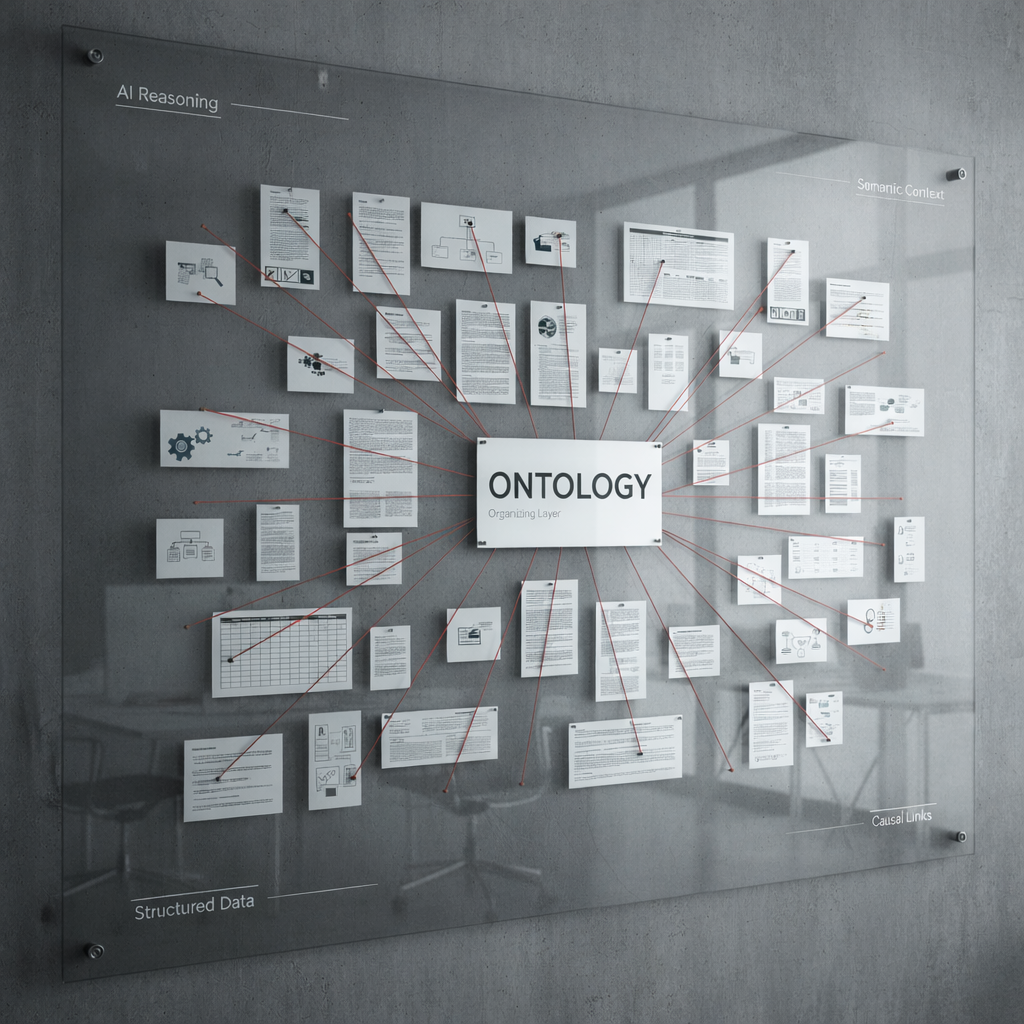
This is why a SaaS platform for business at the enterprise level is less a single application and more an ecosystem: a stable core, configurable modules, open APIs, audit trails, and controls that let IT govern usage without slowing users down. Salesforce, Workday, and ServiceNow became category leaders not through the longest feature lists, but through architectures that let enterprises adapt the product to their own processes. Custom platforms follow the same rule: success depends on how well the foundation supports change over the next decade.
Why SaaS for Enterprises Has Become the Default Model
The shift toward SaaS for enterprises was driven by economics first. On-premise software required large license fees, server rooms, and internal teams to install every patch. Subscriptions turned those costs into predictable operating expenses and moved infrastructure responsibility to the provider.
The operational benefits are just as tangible. A manufacturing group running separate inventory systems in each plant can consolidate them and see real-time stock across all locations. A retail chain can roll out a new pricing module to hundreds of stores overnight. The advantages leaders mention most often include:
- Predictable costs — subscriptions replace large capital investments.
- Faster time to value — new modules arrive without long installation cycles.
- Elastic scalability — capacity grows with users, transactions, and regions.
- Centralized data — one source of truth replaces fragmented databases.
- Continuous improvement — security patches and updates are delivered automatically.
Still, a cloud model does not solve business problems automatically. Off-the-shelf tools often cover only 70–80% of needs, and the rest is filled with manual workarounds. That gap is where choosing between a ready-made product and a custom SaaS platform for business becomes a strategic decision.

Core Features of a SaaS Platform for Business
Industries differ, yet the features separating an enterprise-grade product from a mid-market tool are remarkably consistent. Most of them sit in the administrative layer that decides whether IT, security, and compliance teams approve company-wide use.
When evaluating or designing a SaaS platform for business, decision-makers should check for these capabilities:
- Single sign-on through SAML or OpenID Connect, linked to the corporate directory.
- Role-based access control down to individual records and fields.
- Multi-tenancy with data isolation between subsidiaries or clients.
- Audit logs showing who changed what and when.
- Configurable workflows that business users adjust without developers.
- Open APIs and webhooks for integration with existing systems.
- Reporting and analytics with export to BI tools.
A practical example shows why these details matter. A financial services company chose a document management tool based on its interface and price. The security review revealed no field-level permissions and audit logs kept for only 30 days, and the rollout stalled for four months while the vendor caught up.
Architecture Choices That Shape Enterprise SaaS Software
Early architecture decisions determine how expensive the product will be to maintain later. The central one is multi-tenancy: a shared database keeps costs low and simplifies updates, while separate databases per client offer stronger isolation and easier data residency compliance. Many mature enterprise SaaS software products combine both, reserving dedicated environments for heavily regulated clients.
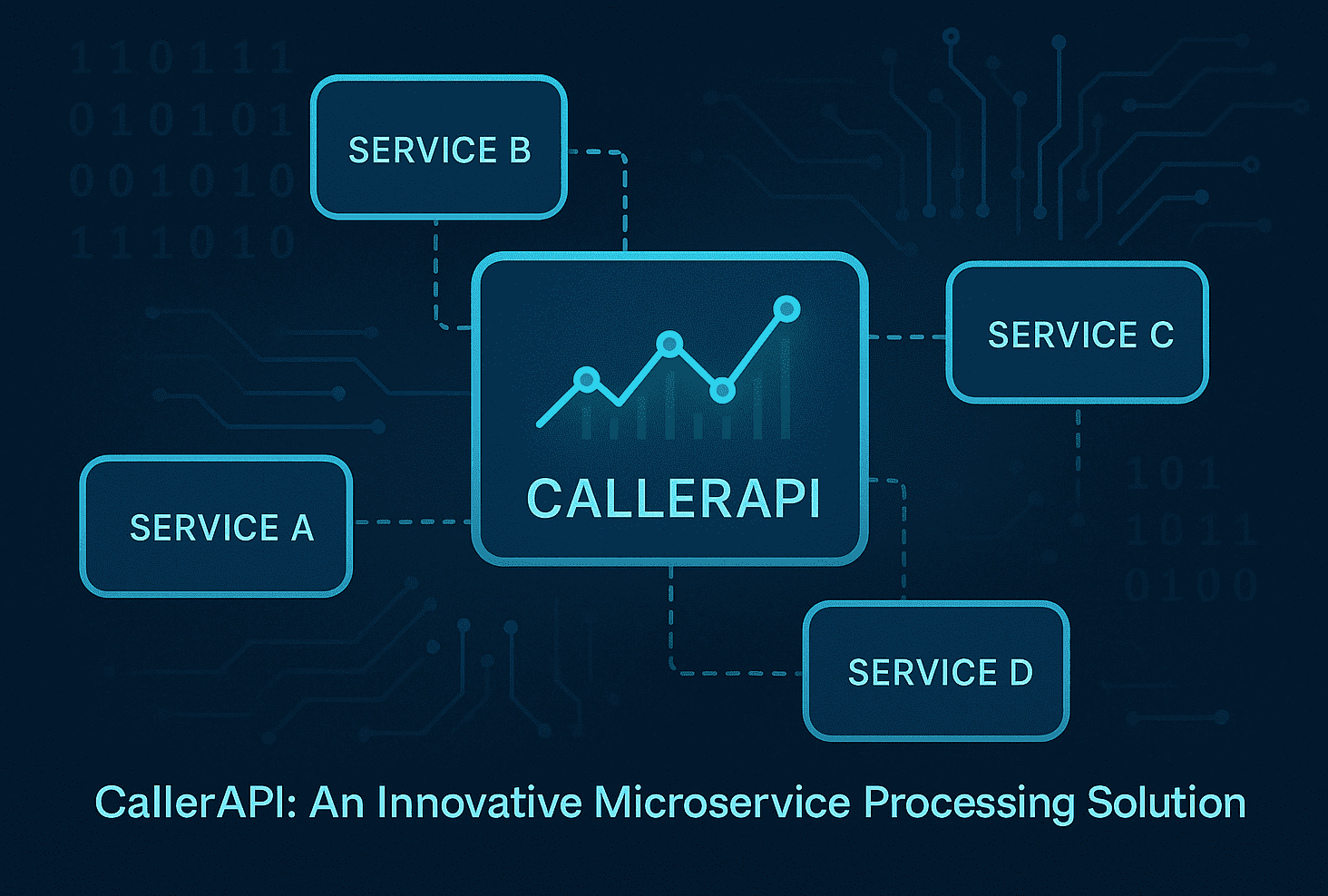
The second decision is between a modular monolith and microservices. Microservices add real overhead: distributed tracing, service discovery, and complex pipelines. A logistics startup that launched with fifteen services and six engineers spent more time debugging communication between them than building features. A modular monolith, split only where scaling demands it, is often the more pragmatic path.
Cloud infrastructure completes the picture. AWS, Azure, and Google Cloud offer managed databases, Kubernetes, and serverless functions that ease the DevOps load, and the choice often follows the client base. What matters most is observability from day one: centralized logging, metrics, and alerting built in rather than added after the first incident.
Security and Compliance in SaaS for Enterprises
For large organizations, security is the gate every vendor must pass before a pilot begins. Procurement teams send questionnaires with hundreds of items on encryption, access management, and incident response. That is why SaaS for enterprises must treat security as a product feature, not an infrastructure detail.
Compliance frameworks give these conversations a common language: SOC 2 Type II confirms controls work over time, ISO 27001 proves a mature security management system, and GDPR governs personal data of EU users. Healthcare adds HIPAA, fintech adds PCI DSS. Teams that build logging, encryption, and key management in from the start usually pass certification months faster than those retrofitting controls.
The human factor matters equally. Most breaches start with stolen credentials, so mandatory MFA, session timeouts, and anomaly detection are now baseline expectations. One HR tech provider saw enterprise conversions rise after adding customer-managed encryption keys, because large clients wanted proof that even the vendor could not read employee records.
Integration Strategy for an Enterprise SaaS Platform
No enterprise system lives in isolation. A new platform must exchange data with ERP systems like SAP, CRM tools, payroll software, data warehouses, and legacy applications nobody wants to touch. Integrations often consume 30–40% of development effort, yet they are the most underestimated part of planning.
A sound strategy starts with an API-first approach: when every function is available through a documented, versioned API, the interface becomes just one client among many. Event-driven communication through Kafka or RabbitMQ adds resilience, since events wait in a queue if a connected system goes offline. For legacy software, a middleware layer translates old formats into the new platform.
A construction company replaced its project tools with a custom SaaS platform for business but had to keep its accounting system for regulatory reasons. The team built a dedicated integration service for budgets, invoices, and contractor data. When the company later acquired a subsidiary with different accounting software, connecting it took three weeks instead of three months.

Build or Buy: When Custom Enterprise SaaS Software Pays Off
Buying ready-made software makes sense for standard functions such as email, accounting, or video calls, where processes look alike everywhere. The calculation changes when software supports what makes a business different: a unique pricing model, a proprietary logistics algorithm, or a distinctive customer experience. There, custom enterprise SaaS software becomes an asset rather than an expense.
Total cost of ownership settles most debates. A subscription affordable for 200 users can grow sharply at 5,000 once premium modules, API limits, and storage are added. Heavy customization of commercial products also hits a ceiling, as every vendor update risks breaking it. A custom platform costs more upfront, but the business owns the code, controls the roadmap, and can even sell the product to partners.
Many companies take a middle path: commercial tools for commodity functions, custom modules for core processes. One distributor kept its standard ERP for finance but built its own SaaS for enterprises in wholesale, combining ordering, forecasting, and supplier portals. Within two years, three partner distributors licensed it, covering much of the development cost.
Development Stages and Costs of SaaS for Enterprises
Building SaaS for enterprises works best as a series of checkpoints rather than one big launch. Projects that deliver every module at once usually overrun budgets and miss timely feedback. A phased roadmap typically looks like this:
- Discovery — mapping processes, prioritizing features, estimating the budget.
- UX/UI design — testing key user flows with stakeholders before coding.
- Architecture setup — tenancy model, cloud provider, CI/CD pipelines.
- MVP development — core modules for a pilot group.
- Security hardening — penetration testing and audit readiness.
- Pilot and scaling — rollout to more departments or clients.
- Ongoing evolution — monitoring, optimization, and new features.
An MVP of an enterprise-grade SaaS platform for business usually starts at $80,000–150,000 and takes four to eight months. A full product with complex integrations, analytics, and certifications can exceed $500,000 over several years. The main cost drivers are integrations, compliance scope, the permission model, and client-specific customization.
Team composition affects both cost and speed. Hiring backend and frontend developers, DevOps, QA, and an architect can take six months or more, which is why many companies turn to an external development partner with an established team. Experience with enterprise SaaS software and post-release support usually matter more than the hourly rate.
Turning Cloud Software Into Lasting Business Value
Enterprise SaaS software has become the backbone of how large organizations operate. Its value comes not from the cloud itself, but from a solid foundation: architecture that scales without rewrites, security that satisfies strict procurement teams, and integrations that connect the platform to the rest of the business.
Whether a company buys, builds its own SaaS platform for business, or combines both, the choice should follow strategic priorities rather than hype. Standard processes suit proven products; unique ones deserve custom software. With clear requirements, a phased roadmap, and an experienced team, SaaS for enterprises becomes a long-term asset that grows with the business.
Author