In this article
How AI Orchestration Replaces a Dozen Disconnected SaaS Tools
AI & Automation
Tech & Infrastructure
The average company now manages 305 SaaS applications — and still can’t run one workflow from start to finish without someone manually copying data between tabs. That’s not a tooling gap. It’s a coordination gap. AI orchestration closes it by putting a coordinator on top of the tools you already own, instead of adding tool […]

The average company now manages 305 SaaS applications — and still can’t run one workflow from start to finish without someone manually copying data between tabs. That’s not a tooling gap. It’s a coordination gap. AI orchestration closes it by putting a coordinator on top of the tools you already own, instead of adding tool number 306.
The real cost of SaaS tool sprawl
Every point tool got bought to solve one real problem. A prospecting tool. A verification tool. An email sequencer. A CRM. A scheduling tool. Each purchase made sense in isolation. Collectively, they add up to something nobody actually designed: a workflow that only exists in the heads of the three people who know which tab to open next.
The numbers back this up. According to Zylo’s 2026 SaaS Management Index, the average organization manages 305 applications, and license utilization — despite recent improvement — still sits at only 54%. Gartner puts it more bluntly: 25% to 50% of SaaS licenses go unused or underused at any given time. Deloitte’s 2025 Global ITAM Survey found that 69% of organizations report shadow IT is increasing, not shrinking, as individual departments keep buying tools without checking what already exists. Mid-sized enterprises are still absorbing a median of $19.8M in annual license waste, and 61% of organizations report having to cut other projects because of unplanned SaaS cost increases.
None of that waste comes from bad tools. It comes from the absence of anything that connects them. And here’s the part most “AI transformation” advice gets wrong: buying one more AI SaaS product to bolt onto the stack doesn’t fix this. It just adds app number 306.
AI orchestration is a coordination layer, not another tool
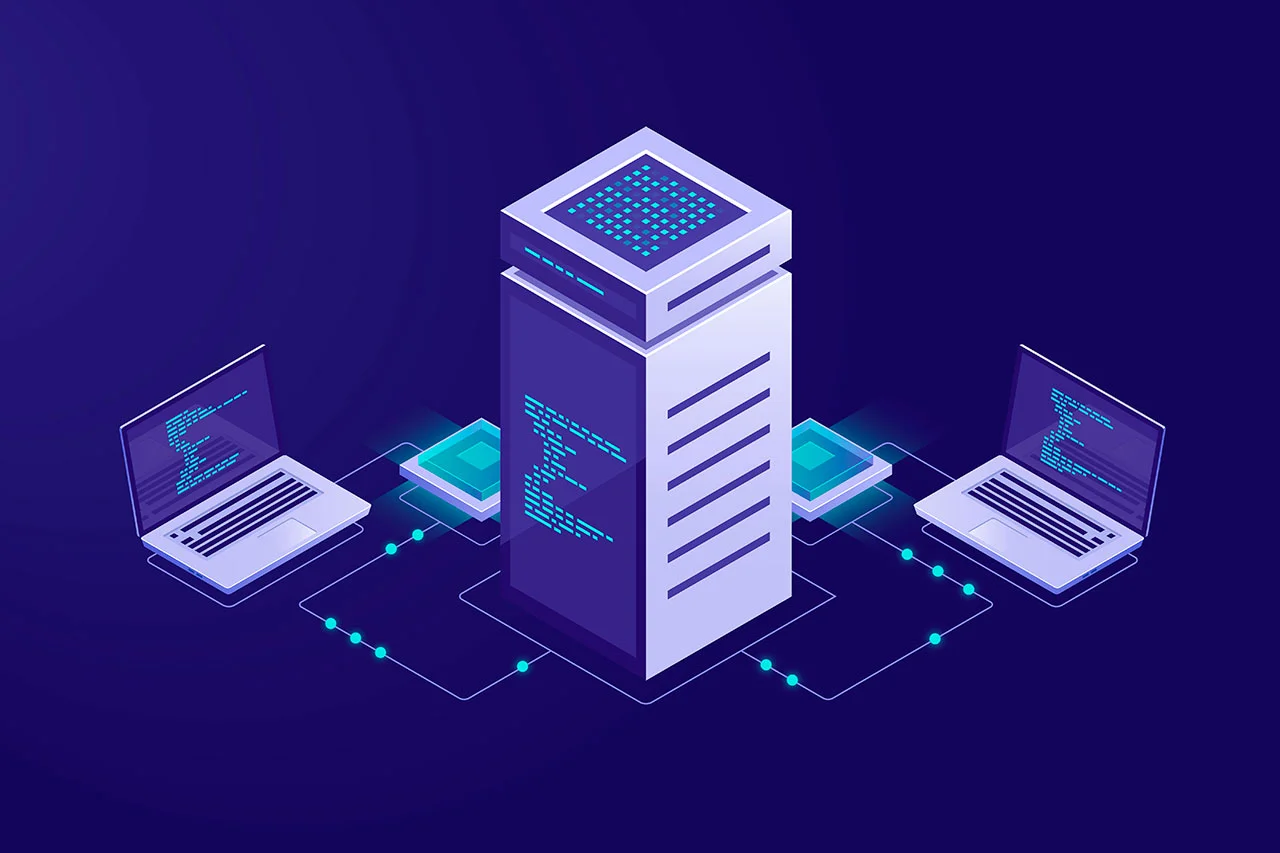
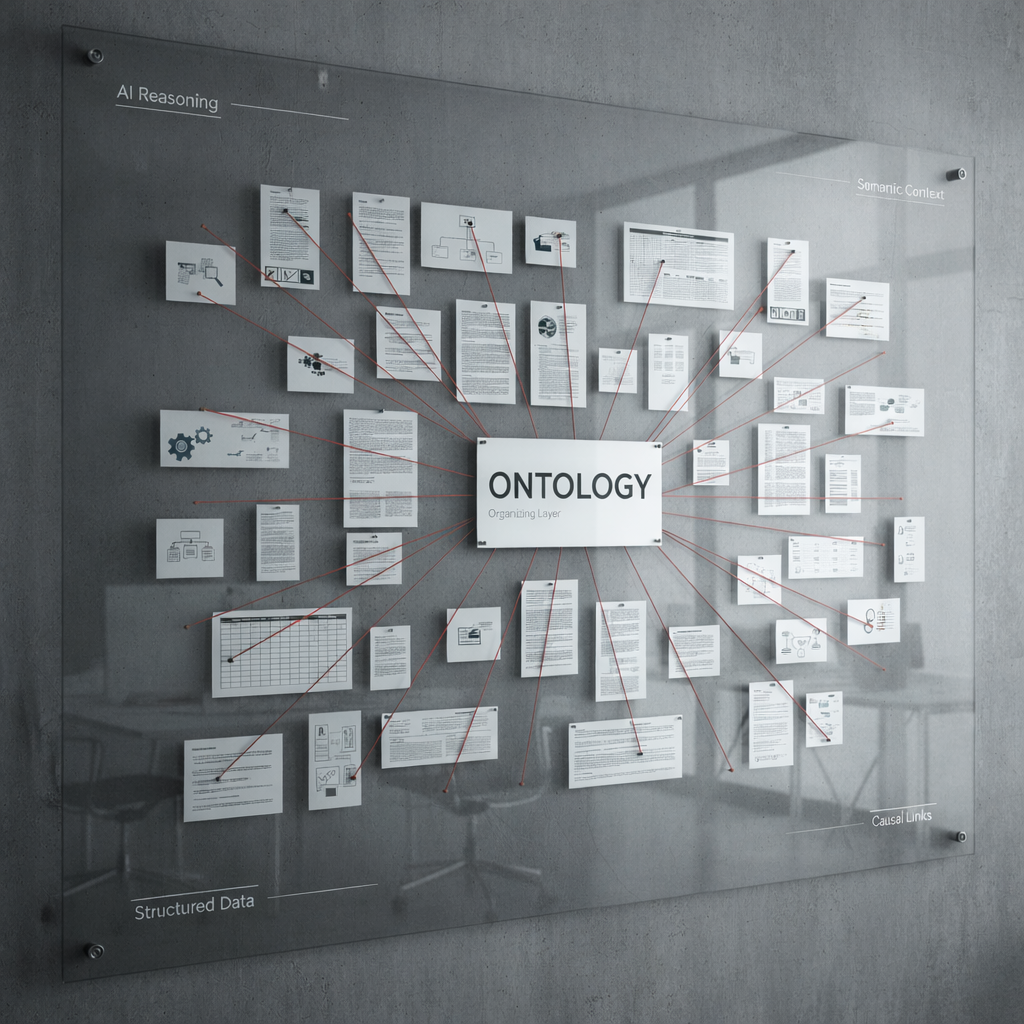
AI orchestration means building (or deploying) a system that sits above your existing tools and specialized AI agents, and is responsible for exactly one thing: making sure the right agent runs at the right time, with the right data, in the right sequence, without a human moving information between systems by hand.
It’s worth being precise about what this is not:
It’s not RPA. Robotic process automation replays a fixed sequence of clicks against a UI. It breaks the moment a screen changes and can’t make a judgment call. Orchestration coordinates services and agents through APIs and can route around failures, retries, and conditional branches.
It’s not “one AI agent.” A single chatbot or copilot answers questions inside one tool. An orchestrator manages many specialized agents — discovery, validation, enrichment, outreach, qualification, whatever your workflow needs — and owns the handoffs between them.
It’s not a Zapier-style trigger chain. Simple if-this-then-that automations work well for two- or three-step processes with clean, structured data. Orchestration is built for workflows with real branching logic, asynchronous steps that take minutes or hours, and volume that would overwhelm a linear automation chain.
Anatomy of an orchestration layer
Strip away the marketing language and every AI orchestration system is built from the same four parts:
| Component | Job | Common implementation |
| Objective input | Defines what “done” looks like for one run (e.g., an Ideal Customer Profile, a support ticket, a document) | A structured API request or form submission |
| Agent registry | The specialized tools/agents the orchestrator is allowed to call, and what each one needs and returns | Existing SaaS APIs, custom AI agents, internal microservices |
| Sequencing & state | Decides which agent runs next, holds state between asynchronous steps, and handles retries and failures | Workflow engines (Temporal, Celery), state machines, message queues |
| Output delivery | Assembles the final result and pushes it wherever it needs to go | REST/WebSocket APIs, CRM writes, dashboards |
The engineering complexity isn’t in any single agent — it’s in the sequencing and state layer. That’s the piece that has to survive a step failing three hours into a run, an API rate limit, or ten thousand objectives being processed at once without stepping on each other. This is why orchestration projects tend to lean on dedicated workflow engines (Temporal, Celery with async task queues) and container orchestration (Docker, Kubernetes) rather than being stitched together with simple webhooks.
What this looks like in production
We built exactly this pattern for an Israel-based B2B analytics and development company that was running its lead generation process across roughly ten separate AI tools — one for company discovery, another for LinkedIn validation, another for contact enrichment, separate systems for outreach and qualification. Each tool worked fine on its own. Nobody had a way to run them as one process. Someone had to manually move a lead from one tool to the next and track where every prospect currently sat in the pipeline.
Our AI B2B Orchestrator replaced that manual handoff with a central coordinator built on FastAPI, Temporal, Celery, and PostgreSQL, deployed as an async microservices architecture on AWS. Instead of replacing the ten existing AI tools, the orchestrator sits above them: it takes a single input — an Ideal Customer Profile — triggers each specialized agent in the correct sequence, passes structured data between them, and delivers fully qualified leads as one continuous output. The result is a workflow that runs the same way every time, at volumes a manual process could never sustain, without anyone touching a spreadsheet in the middle.
Build vs. buy: when orchestration is worth the engineering
Not every disconnected workflow needs a custom-built orchestrator, and the AI agent orchestration market growing from $11.0B in 2026 toward a projected $115.1B by 2035 means there will be no shortage of off-the-shelf platforms trying to sell you one. A useful way to decide:
Reach for a lighter no-code option (Zapier, Make, native platform automations) when: the workflow touches two or three tools, the data is clean and structured, volume is modest, and occasional manual intervention is acceptable.
Custom orchestration earns its engineering cost when:
- The workflow spans five or more tools or specialized agents that need to hand off data to each other
- Steps run asynchronously and can take minutes or hours, not seconds
- Volume is high enough that manual coordination is already the bottleneck, not the individual tools
- The process needs to run identically every time — no version drift between how different team members execute it
- You need branching logic and failure handling that a simple trigger chain can’t express
If your workflow doesn’t meet at least two or three of those, you probably don’t need a custom orchestrator yet — you need better use of the automation you already have.
How to start replacing tool sprawl with orchestration
- Map the actual workflow, not the tool list. Write down every handoff a human currently performs between tools for one complete process, start to finish.
- Identify which steps are genuinely specialized. Discovery, validation, and enrichment usually need different logic and different data sources — that’s what becomes your agent registry.
- Choose a sequencing engine before you write agent logic. Decide how state, retries, and failures are handled first; bolting this on after the fact is where most DIY orchestration projects stall.
- Pilot on one segment. Run the orchestrated version against a slice of real volume before cutting over the whole process.
- Instrument everything. An orchestrator you can’t observe is just a more expensive version of the manual process it replaced.
How Meduzzen builds this
The AI B2B Orchestrator above isn’t a hypothetical — it’s one of the systems our AI & ML team ships as part of our core practice, alongside backend, DevOps, and QA engineers who take it from architecture through production support. We work with clients two ways, depending on where you’re starting from:
Full-cycle build. We run the whole path — discovery and workflow mapping, architecture for the sequencing and state layer, development, QA, deployment, and ongoing optimization — as one accountable team instead of a vendor handing off a spec.
Add senior engineers to your team. If you already have a roadmap and just need hands, our Talent Lab gives you vetted AI/ML engineers and backend engineers (Python, FastAPI, LangChain, Celery, Docker, AWS) on demand, without a multi-month hiring cycle — the same profiles that build our orchestration projects, embedded directly on yours.
Either path uses the same core stack outlined above: Python/FastAPI services, Celery or Temporal for sequencing and state, containerized deployment on AWS, and integration with whatever AI agents or SaaS APIs your workflow already runs on — so the system connects to your existing tools rather than asking you to rip them out.
FAQ
What is AI orchestration? AI orchestration is a coordination layer that sequences multiple specialized AI agents or tools, passes data between them, manages state and failures, and produces one output from a single input — instead of a person manually moving information between separate systems.
How is AI orchestration different from automation or RPA? RPA replays fixed UI actions and breaks when a screen changes. Simple automation tools (Zapier-style) handle short, linear, trigger-based chains. AI orchestration is built for workflows with real branching logic, asynchronous steps, and enough volume to need retry handling, state management, and coordination across many specialized agents at once.
How many SaaS tools does a typical company actually manage? The average organization manages around 305 SaaS applications, according to Zylo’s 2026 SaaS Management Index — while license utilization sits at roughly 54%, meaning a large share of that stack is paid for but underused.
When does building a custom AI orchestrator make financial sense? Generally once a workflow spans five or more tools or agents, runs at meaningful volume, includes asynchronous or long-running steps, and needs to execute consistently every time. Below that threshold, no-code automation platforms are usually more cost-effective.
What technology is typically used to build an AI orchestration layer? Common building blocks include workflow engines like Temporal or Celery for sequencing and state management, message queues for asynchronous handoffs, containerized microservices (Docker/Kubernetes) for the individual agents, and a backend framework such as FastAPI to expose the orchestrator’s API.
Author